DESCRIPTION
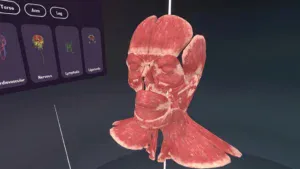
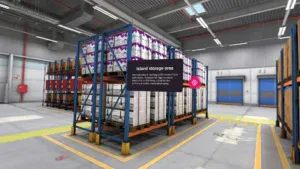
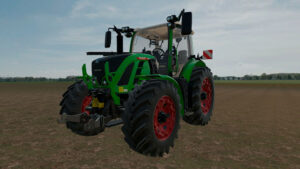
This simulator offers an extensive library of 3D models of settings, characters and objects, as well as the option to import models created within the schools themselves, allowing students to recreate cinematic scenes with complete freedom. In addition, the scenes generated can be recorded for later review, editing or sharing.
OBJECTIVE
Providing training centres with a tool that allows students to create as many compositions as they need, using content developed by the centre itself.
ACTIVITIES
The simulator features a range of functions that allow the creation of a virtual recording environment:
- Importing 3D models.
- Moving, scaling and rotating elements.
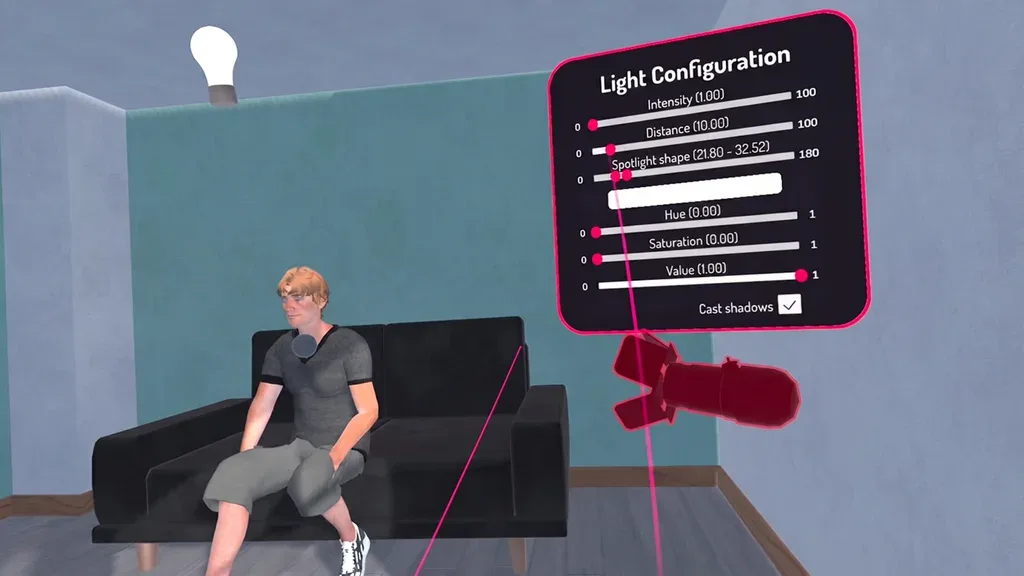
- Creating and modifying lights.
- Use of virtual cameras with various interaction modes:
- Grip and manual movement.
- Movement via a rail system.
- Control via the timeline.
- Focus mode, allowing you to focus on a model or part of it.
- Controlling animations using the timeline:
- Animation of the position, rotation and scale of 3D models.
- Animation of the position, rotation and scale of the cameras.
- Animation of position, rotation, scale and light properties, such as intensity, range or colour.
- Setting the resolution and frame rate for the recording.