DESCRIPTION
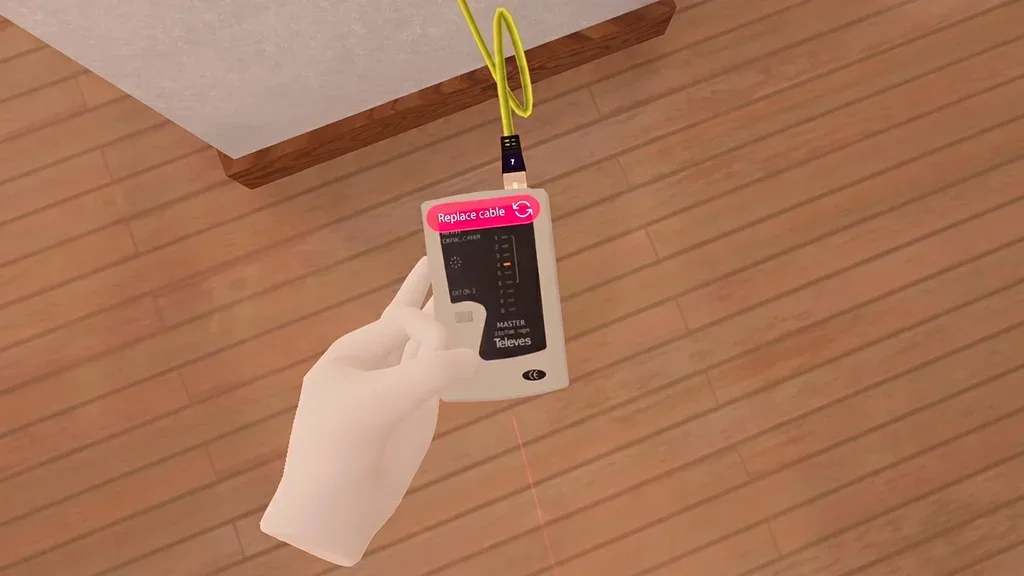
The simulator covers the installation of computer equipment and associated servers, as well as the cabling layout within the environment. It also reinforces knowledge of safety procedures when handling delicate equipment.
OBJECTIVE
Providing students with an environment in which they can test telecommunications equipment and tasks without the need for a real-world practical environment.
ACTIVITIES
- PC assembly: By handling a variety of orders with different requirements and budgets, students can practice installing CPUs, M.2 SSDs, cooling systems, RAM, power supplies, motherboards, GPUs, storage devices and operating systems, as well as checking connections and cabling to ensure everything works properly.
- Troubleshooting technical issues: Identification and diagnosis of faults in various computer systems, applying repair and maintenance procedures to restore them to optimal working order.
- Custom rack cabinet design adapted to the needs and budgets of different customers. Students must select the most suitable components for the task, such as routers, switches and firewalls, and organise the cabling to ensure an efficient, bespoke solution.
- Design and layout of the cabling for one or more offices to ensure an efficient and optimised working environment. From initial planning through to implementation, a cabling infrastructure must be established that meets the specific needs of the business and ensures a smooth and secure flow of data.